
How to save eBay photos as JPG instead of WebP
Also in: Deutsch · Español · Français · Italiano
Short answer. When you right-click a photo on eBay and choose "Save image as", you often get a .webp file, and sometimes a small one. Renaming the file to .jpg does not convert it. There are two reliable ways to get a real JPG in full size: change the address of the picture by hand, or let the free Chrome extension eBay Image Downloader ask eBay for JPG files directly, for every photo of the listing at once.
Why does eBay give me a WebP file?
WebP is a lighter picture format. eBay sends it to recent browsers to make pages load faster: on one test photo, the WebP weighed 0.2 MB and the JPG 1.5 MB. The trouble starts afterwards, when an older program, a listing tool or another marketplace refuses the .webp file.
eBay keeps each photo in several sizes and formats, and serves the one the page asks for. That is why the fix is not to convert the file, but to ask eBay for the JPG.
The one-click way
- Install eBay Image Downloader from the Chrome Web Store.
- Open the listing on eBay and click the extension icon.
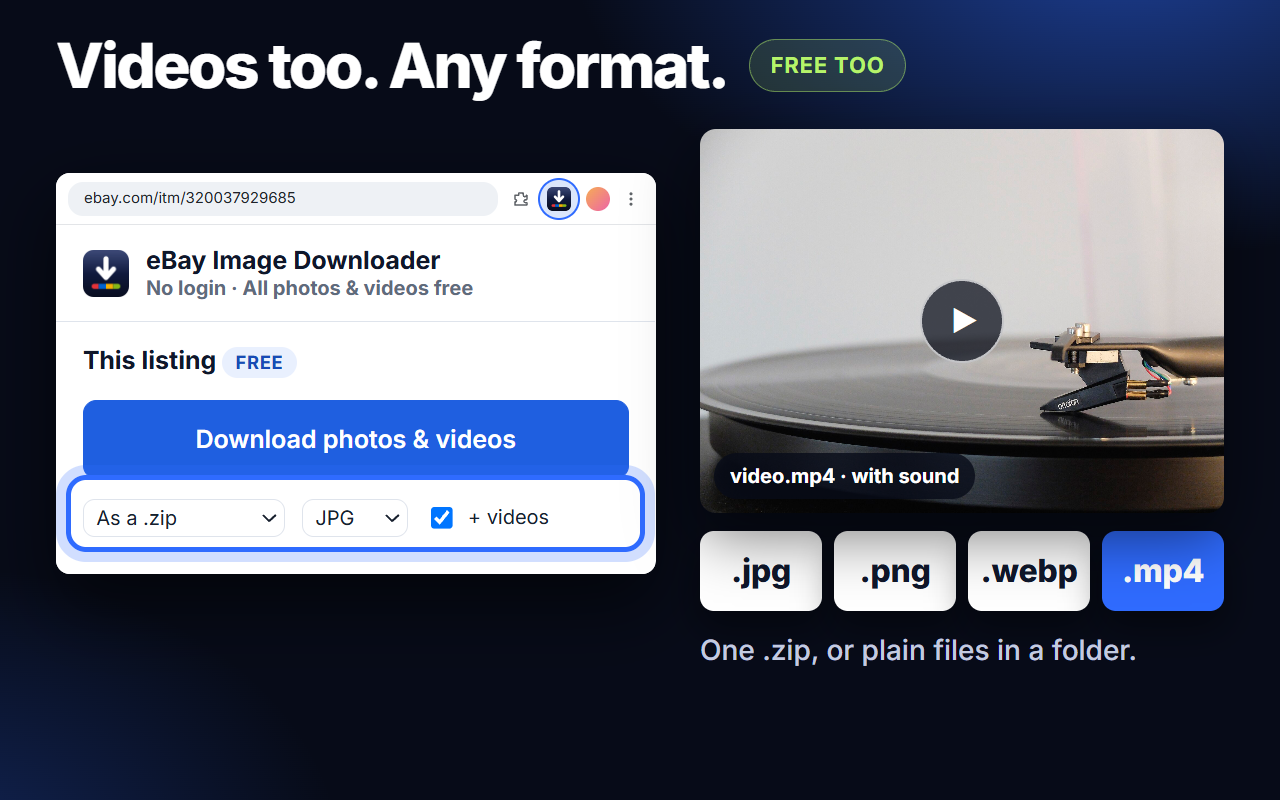
- Leave the format on JPG (it is the default), then click "Download photos & videos".
You get every photo of the listing as a real .jpg, in the largest size eBay keeps (up to 1600 px), numbered 01.jpg, 02.jpg, 03.jpg… PNG and WebP are also available if you need them. It is free, without an account and without a limit.
The manual way, for one photo
- Right-click the photo and choose "Open image in new tab".
- Look at the address. It ends like this:
…/s-l500.webp - Change the end to
s-l1600.jpgand press Enter. - Right-click the picture, then "Save image as…". The file is now a .jpg, in full size.
The number after s-l is the size in pixels: 1600 is the largest eBay keeps. The letters after the dot are the format.
This works well for one or two photos. For a listing with 12 photos, it is 12 times the same four steps.
What does not work
- Renaming the file from .webp to .jpg. The name changes, the content does not. Some programs open it anyway, others refuse it or show an error.
- Taking a screenshot. You get the size of your screen, not the size of the photo.
A whole store in JPG
With Pro ($29 once, no subscription), the extension saves the photos of every listing of a store, a search or your Seller Hub, in the format you chose, with one folder per listing and an Excel spreadsheet. See how to save the photos of all your eBay listings at once.
Questions
Is a JPG from eBay better than a WebP converted to JPG?
It avoids one conversion: eBay produces the JPG itself, at the size you ask for.
What is the largest size I can get?
Up to 1600 px on the long side. eBay does not keep the seller's original file.
Can I get PNG?
Yes. The extension offers JPG, PNG and WebP. On one test photo the PNG weighed 2.5 MB, against 1.5 MB for the JPG.
Does this work for my own listings?
Yes. It is the usual reason: getting your own photos back to list the item somewhere else.
Is it free?
Yes, for every photo and video of a listing, as often as you like.
eBay Image Downloader is published by Modulia. Not affiliated with eBay Inc.; eBay is a trademark of eBay Inc.
Last updated November 24, 2026